

Minecraft, your way.
Mods, profiles and skins. One free launcher.
Windows · macOS · LinuxDownload FastClient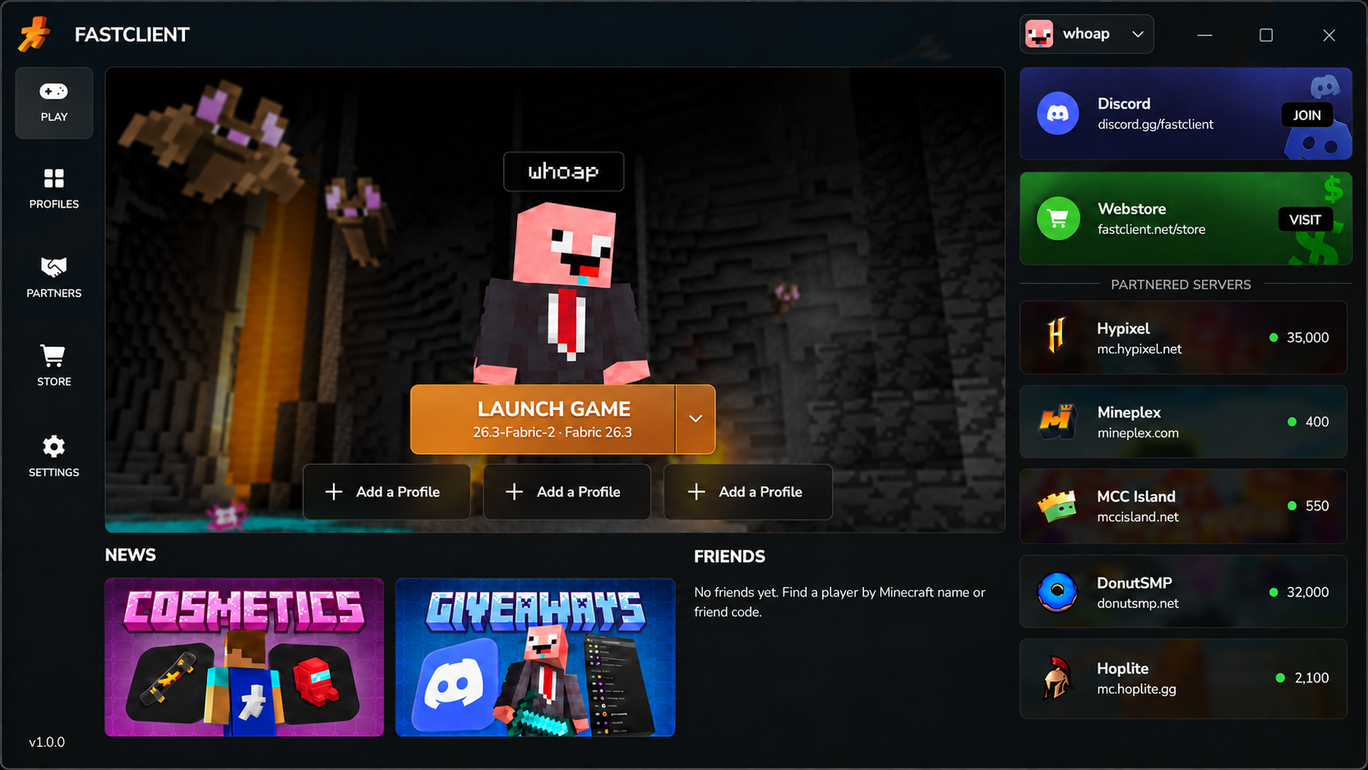
What you get

Performance mods
Built-in performance optimizations.

Your mods, your setup
Add and organize Fabric mods.

Make it yours
Choose your skins and capes.

Multiple profiles
Save separate Minecraft setups.
How to get started
- Download FastClient
1. Get FastClient
2. Set up your game
Sign in, choose a version and add mods.
- Browse servers
3. Find your next server
Copy an IP, add the server in Minecraft and join.
Frequently Asked Questions
How do I install FastClient?
Download FastClient for your device and run the installer.
Which Minecraft versions are supported?
Use the Java Edition version your server and mods require.
Do I need a Minecraft account?
Yes, servers with account checks require a Microsoft account that owns Java Edition.
Can I add my own mods?
Yes. Use Fabric mods made for your Minecraft version.